Train First
Scroll Later
Dialed locks the apps that distract you while you train, and unlocks them the moment you finish your workout.
For iPhone · Works with Hevy, Strong, Fitbod and other workout apps
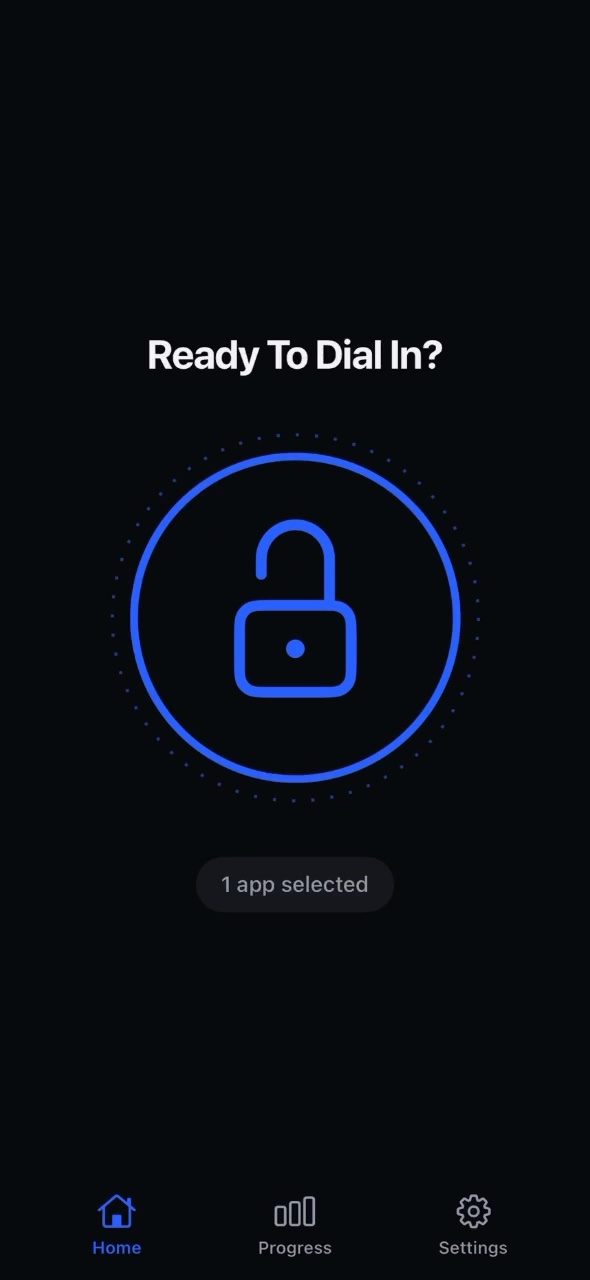
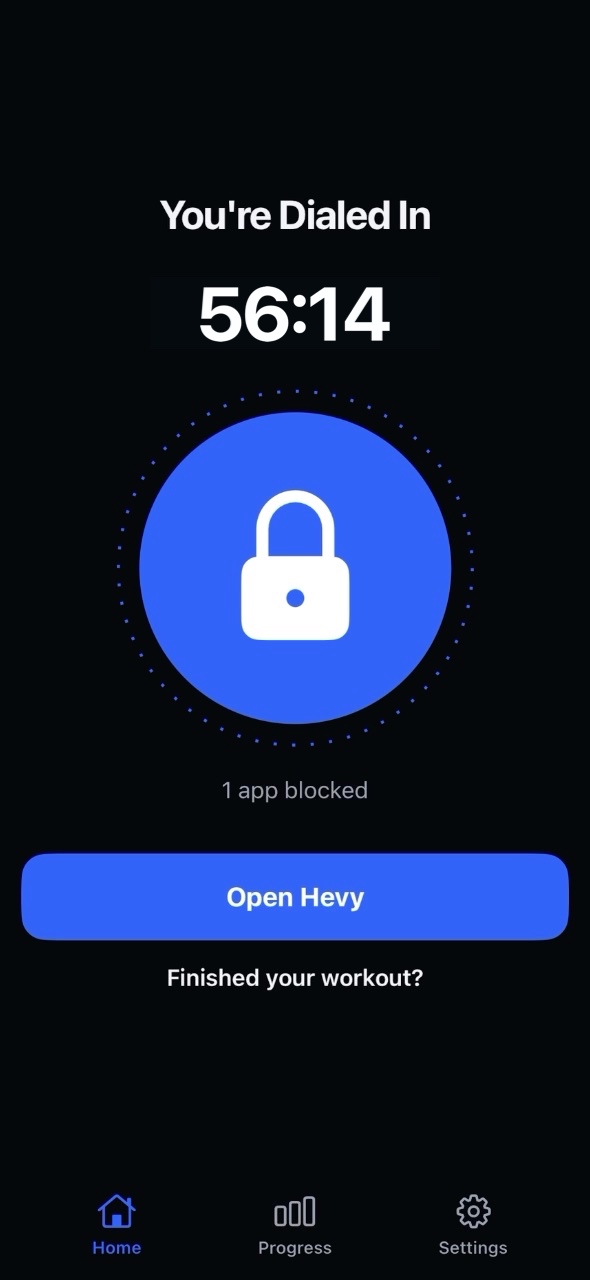
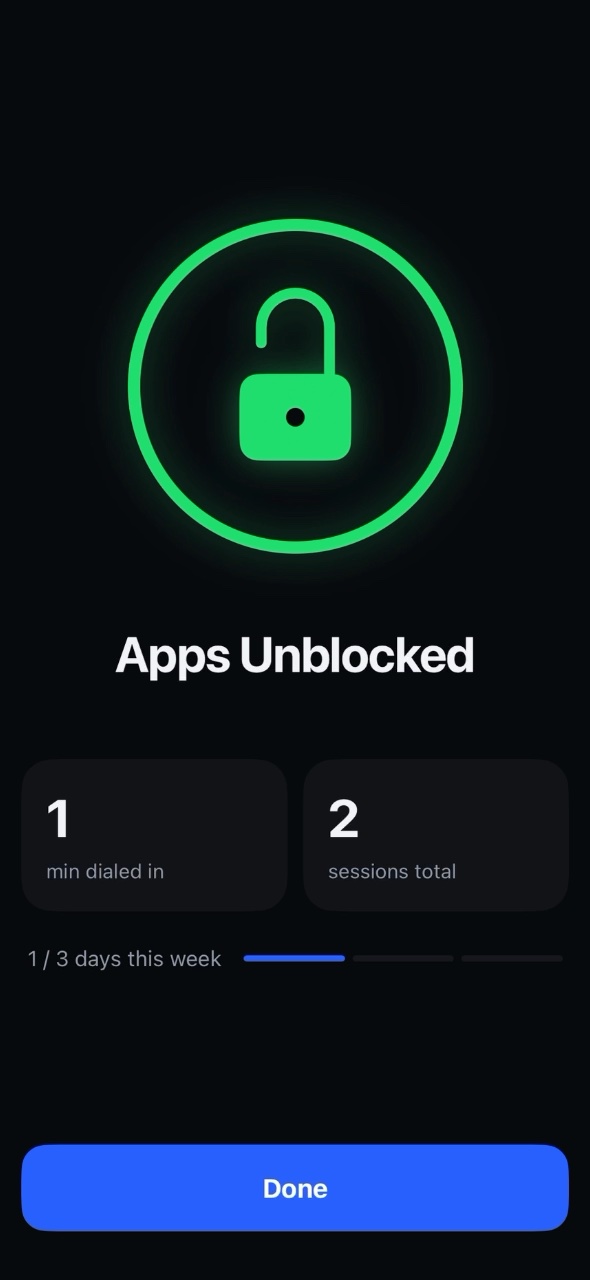
How Dialed Works
Set up in a minute. Focused every session.
Pick your apps
Choose the apps that distract you in between sets. Instagram, TikTok, YouTube: your call.
Tap the lock
Starting your workout? One tap and they're locked for the whole session.
Finish your workout
Hit finish in your workout app and your apps unlock automatically.
Less Scrolling
More Gains
-
Sharper, more focused workoutsDistracting apps stay shut all session.
-
Hit every set harderRest your mind, then go all out again.
-
Less time in the gymGet in, train hard, get out.
Questions
How do my apps unlock?
Finish your workout in your workout app. Dialed sees it through Apple Health and unlocks your apps right away. No timers to babysit.
Which workout apps work with Dialed?
Hevy, Strong, Fitbod and any other app that saves workouts to Apple Health. No workout app? Finish your session in Dialed with one tap.
What if I really need an app mid-workout?
Only the apps you pick are locked. You can end a session early with Emergency unlock in Settings, and a safety timer releases your apps automatically after 3 hours. You're never locked out.
What does Dialed see of my data?
Your workouts and your app choices stay on your iPhone. Dialed only reads your workouts from Apple Health to know when you're done. Read the Privacy Policy.
How much does it cost?
Dialed Pro is a weekly or yearly subscription through the App Store. Cancel anytime in your Apple ID settings.
Do I need an account?
No. Your Apple ID is all you need, and your subscription comes back automatically on a new iPhone.